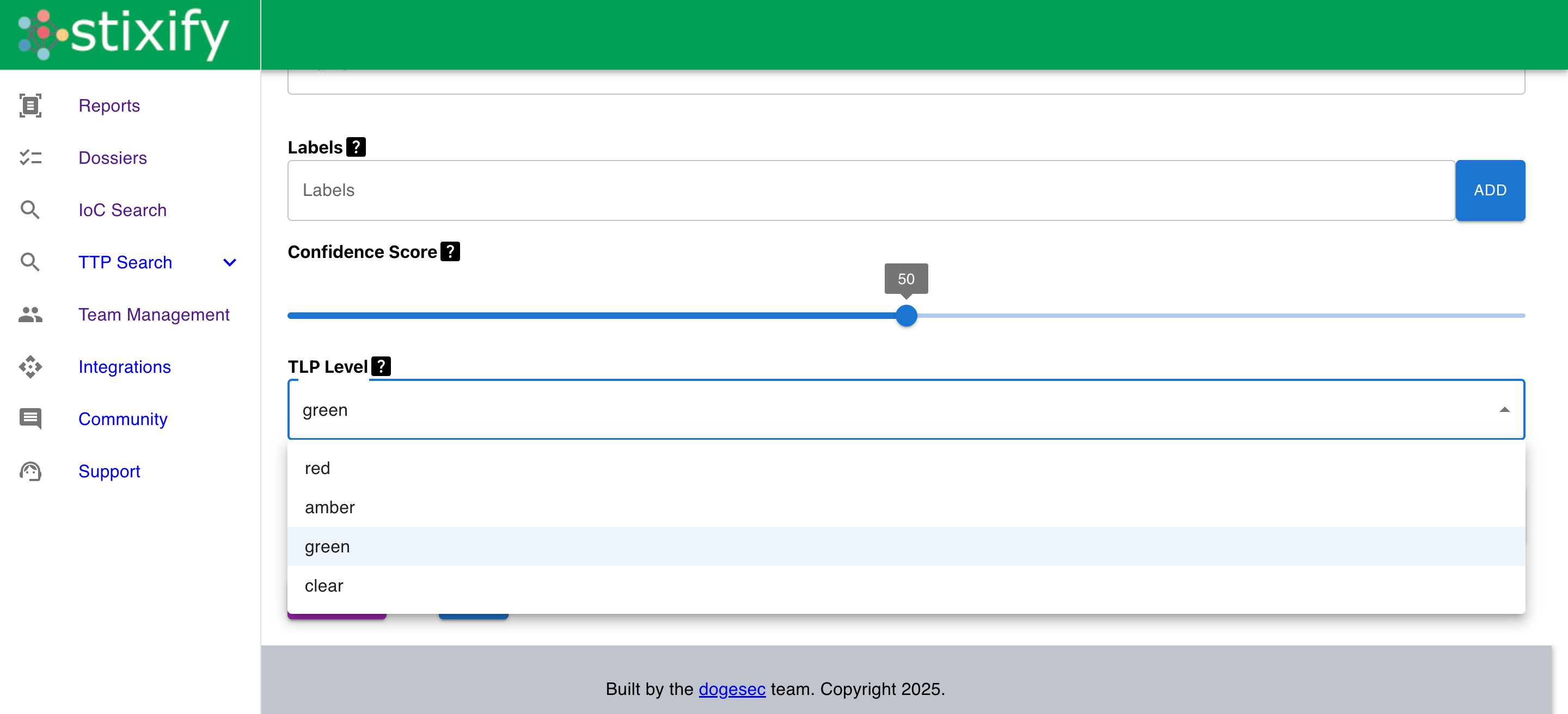
In Stixify, when uploading a report I can mark it with a TLP level, can someone please describe the differences between each level.
(I understand TLP, I just want to know if I select CLEAR over GREEN, what will be the difference in Stixify?)
In Stixify, when uploading a report I can mark it with a TLP level, can someone please describe the differences between each level.
(I understand TLP, I just want to know if I select CLEAR over GREEN, what will be the difference in Stixify?)
Hey @0101001001001 !
So we have 2 permission controls in Stixify related to TLP, they work as follows inside the app:
TLP:CLEAR, TLP:GREEN: Reports marked at these levels — along with all objects extracted from them — are visible to all Stixify users. Any logged-in user can discover these reports through Report Search or when searching for TTPs/IoCs.TLP:AMBER, TLP:RED: Reports with these markings, and all objects derived from them, are restricted to members of the team that owns the report. No other users will be able to see or search these items.We support all TLP levels to give users full control over downstream dissemination. Because TLP markings are stored as STIX Marking Definitions on each object, downstream systems consuming your STIX data can also enforce their own access-control rules based on these markings.